Creating a Workflow
March 16, 2026
Getting StartedCreating a Workflow
Step 1
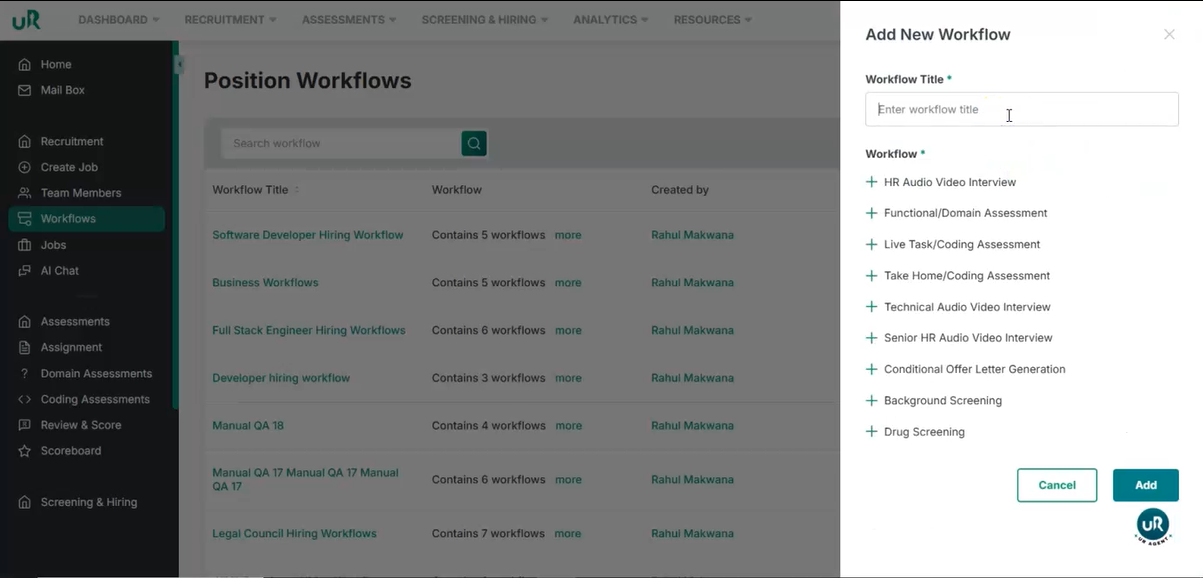
Start Creating a New Workflow Begin by navigating to the workflow creation section in the UI and start creating a new workflow.
- Click on Add New and give your workflow a title.
- Add the rounds you want to have in your workflow. You can add multiple rounds
Step 2
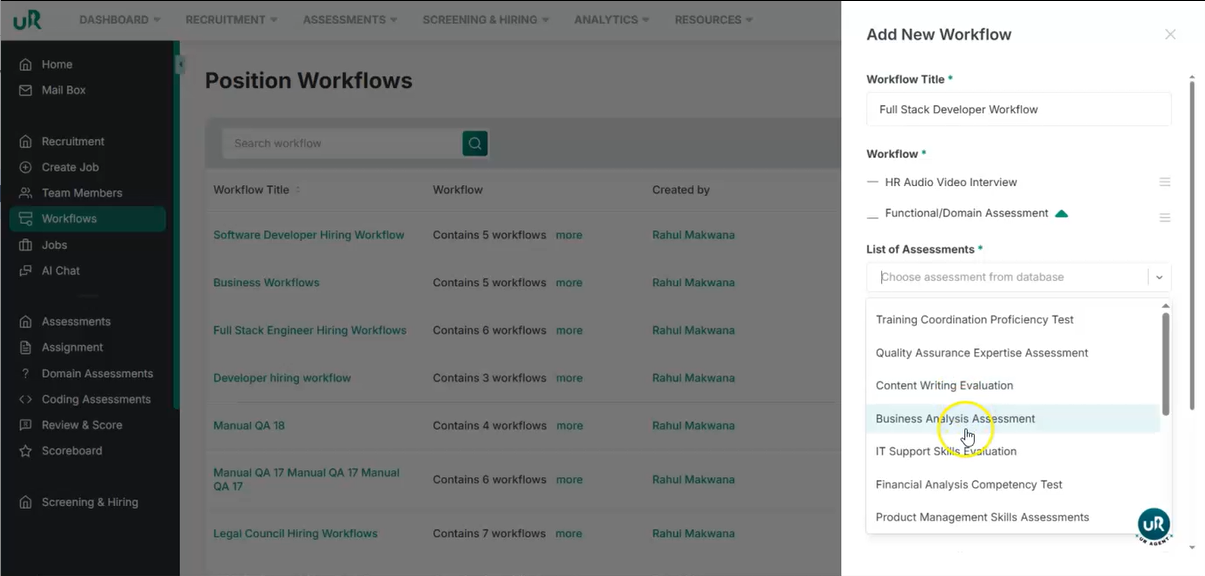
Attaching Assessments Once the rounds are selected. You can add the assessment below each selected assessment from the given list or you can create a new one. Add all the details.
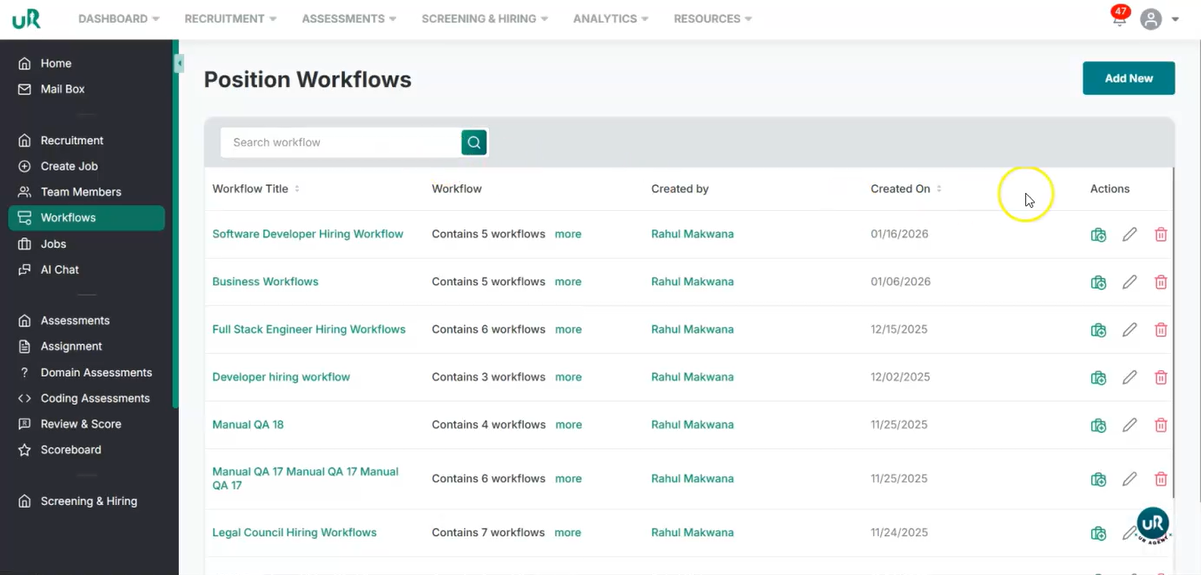
Once it is done, add the workflow. Now, this workflow can be added in any job you create.